Welcome to geoffmobile.com
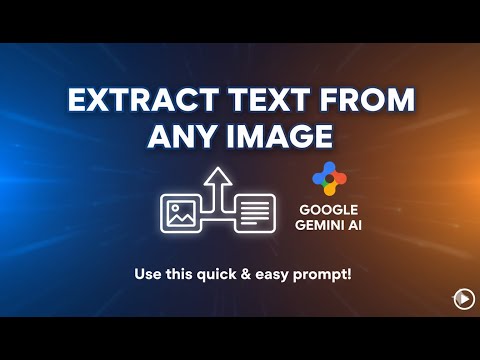
Use this quick and easy prompt with Google Gemini AI to extract the text from any image.
Prompt:
“Please use OCR to extract the exact text from this image and format it nicely”
and then upload the image containing the text, as a PNG file
(Use on Gemini 2.5 Flash)
Please subscribe :) youtube.com/geoffmobile
A Quick Tech Tip: Extract Text from Images with Gemini 2.5 Flash
Hey everyone on YouTube. This is Geoff from geoffmobile.com back with a quick video with an awesome tech tip.
So, Google recently came up with a new version of Gemini, which is their AI chatbot, and it’s called Gemini 2.5 Flash. Many people have been experimenting with the image generation features—the ability to edit photos and images. You just ask it what you want to do, and it can change the image, such as adding or removing elements or totally changing the backgrounds or the clothing or the furniture. That’s one thing it can do.
But did you know that Gemini 2.5 Flash is also really good at extracting text from images? So for example, I gave it a photo I took of a newspaper article. P.S., a real paper-based newspaper with columns! And it was quite a nice article, actually. I think I took a photo of the article or I scanned it with the scanner, and then I uploaded—I converted the image to a PNG which is a lossless format—and then I uploaded that image to Gemini with the following prompt.
The prompt was: “Please use OCR to extract the exact text from this image and format it nicely.”
So that’s the key prompt. I’ll put it in the description below. You can use that prompt in Gemini. Give it any image with text, and then Gemini will extract the text and format it really nicely for you. I was amazingly surprised when Gemini did a perfect job of transcribing the news article from the photo or the scan of the newspaper, including all the text was correct. It even formatted the headings and did like a block quote for one of the callouts.
So, try it out! Let me know how it goes. Using Gemini 2.5 Flash on gemini.google.com with the prompt: “Please use OCR to extract the exact text from this image and format it nicely.” Let me know how it goes for you. And don’t forget to like, subscribe, and comment below the video.
Once again, you’re watching geoffmobile.com from Vancouver, Canada. Have a great day.

Related Posts:
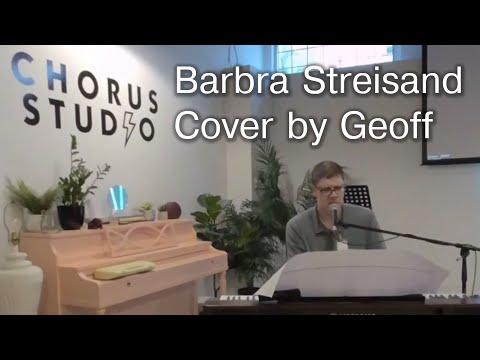
One Less Bell to Answer / A House is Not a Home medley Barbra Streisand cover by Geoff Peters VR180
Does innovation make us lazy? Thoughts about automation and effect on job enjoyment – Toastmasters
Shy Student to Confident Manager – My Toastmasters Journey – Speech by Geoff Peters Vancouver Canada
What gift would i like for my birthday? (Singing lessons) – Toastmasters Table Topics by geoffmobile
I Can’t Help It (Michael Jackson cover) Singing and Piano by Geoffmobile of Vancouver Canada